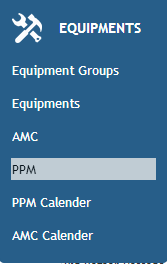
1. Select PPM from the Equipments tab.
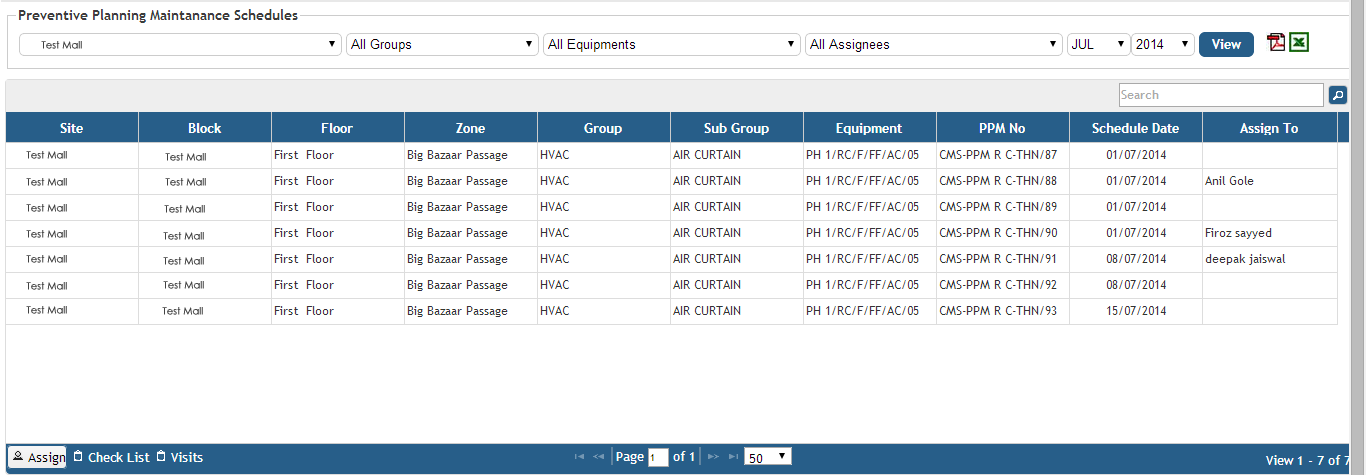
2. For assigning a PPM you have to select the PPM schedule selecting the suitable fields- Site, Group, Equipment, Name of the assignee, month and the year and click on View.

3. Click on the Assign button on the bottom tab.
4. Fill in the details of the Assign form
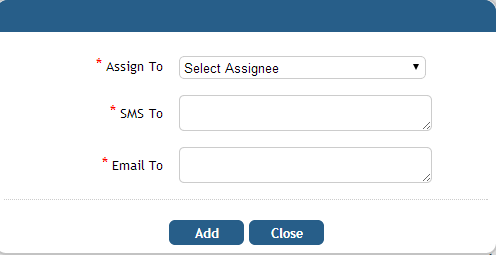
5. Click on Add
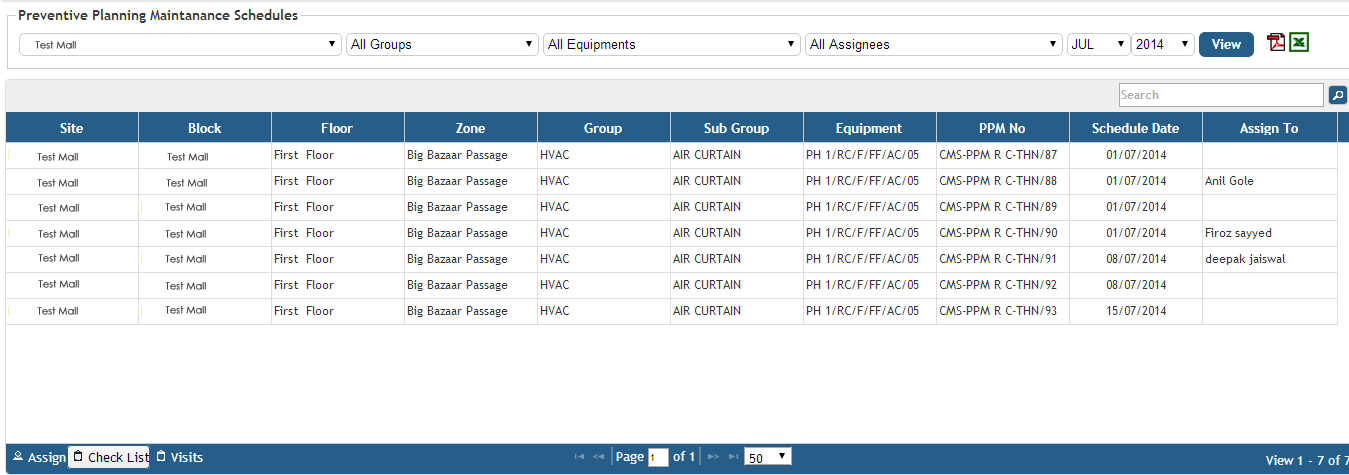
6. To view the check list select an entry from the PPM list.

7. Click on Check List on the bottom tab.
8. Fill in the observations/remarks in the checklist.
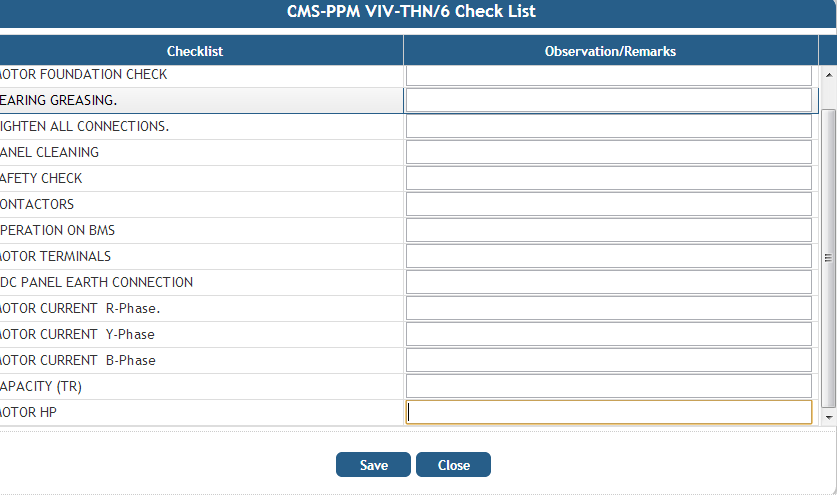
9. Click on Save